Deploy App-V 5.0 Client Configuration VIA GPO on Windows Server 2012
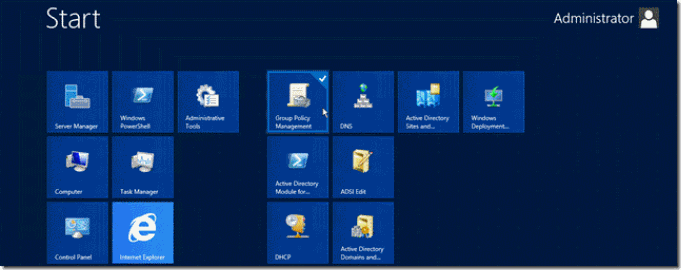
Deploy App-V 5.0 Client Configuration VIA GPO on Windows Server 2012 Things you should know before begin deploying client: Active Directory Knowledge on OU, Groups and GPO’s. Scripting in Power Shell is a plus. Well understanding when deploying GPO’s , such as time it takes to apply and if you want to deploy this policy to machines or users. I recommend Create an OU named _MS_ Application_ Virtualization to assign policies only to that OU and no affect the whole users of your AD. 1. Assign App-V Client Configuration via Group Policy a. Install MDOPADMXTemplate.msi, you could found at Microsoft site http://www.microsoft.com/en-us/download/details.aspx?id=35516 b. If you want to use ADMX you should have Windows Server 2008 R2 or later. c. Import the MDOPADMXTemplate.msi in Group Policy Access. d. Now go to Group Policy Management on the Root domain controller. e. Expand you Active Directory hierarchy, and Search your OU _MS Application_V...
